OFDMA efficiency
Wi-Fi 6 OFDMA helps multiple devices share the channel more efficiently than older Wi-Fi 5 style access patterns.
The DroneBridge Drone Light Show Edition (DLSE) is an optimized version of DroneBridge for ESP32 for Light Show Drones.
It is compatible with the skybrush.io.
DroneBridge Drone Light Show Edition is designed as the primary bidirectional data link for show fleets. It combines high-rate Wi-Fi, Skybrush Live support, fleet power control, OTA updates, and operator-focused tooling on affordable ESP32 hardware.
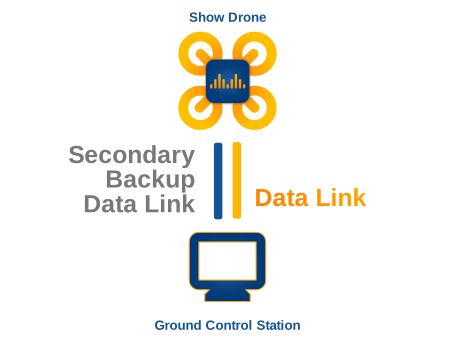
Most light show drones carry two data links. The primary link handles the active show traffic: telemetry, commands, state, and fleet coordination. The secondary link is usually a low-bandwidth fallback channel in the 900 MHz spectrum using LoRa, Zigbee, SiK-style radios, or similar systems.
Those secondary radios can get the job done as a safety channel, but they were not designed around hundreds or thousands of synchronized aircraft on one show site. DLSE is built to be the primary Wi-Fi link for that job.
More useful airtime for every drone on the channel
Drone shows put many devices into the same spectrum at the same time. DLSE utilises modern Wi-Fi 6 capabilities to reduce channel congestion and keep more aircraft communicating with the ground station.
Wi-Fi 6 OFDMA helps multiple devices share the channel more efficiently than older Wi-Fi 5 style access patterns.
Shorter transmissions free airtime. That matters when a show fleet has many drones sending status and receiving commands.
Dual-band support opens access to cleaner 5 GHz channels with less interference and higher practical speeds where supported.
Once a fleet grows, manual steps become the bottleneck. DLSE supports remote sleep, wake-up, and full shutdown when paired with an additional power management board controlled by DroneBridge DLSE. It can also monitor battery state while drones are sleeping.
OTA updates for the drone firmware and the DLSE firmware help operators avoid touching every aircraft by hand. DLSE can also control LEDs on the show drone, reducing the number of separate subsystems needed for a practical light show build.
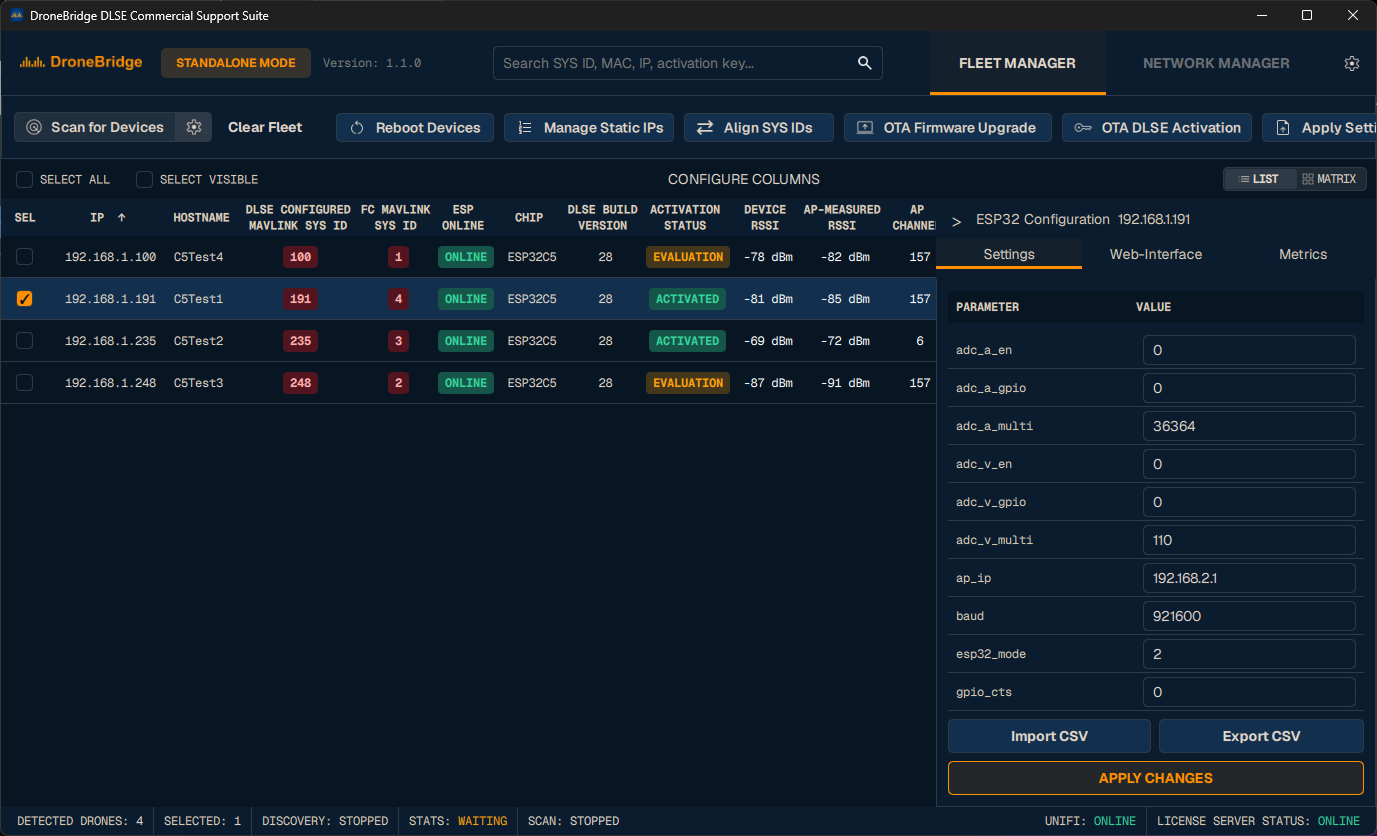
Use the Commercial Support Suite to automate the setup & configuration of your fleet.
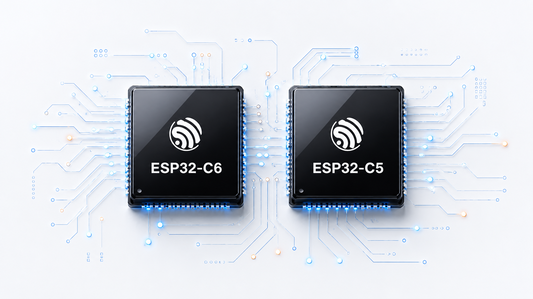
DLSE targets readily available ESP32-C5 and ESP32-C6 modules.
ESP32-C3 is supported, but not recommended for new designs.
These chips come in pre-certified Modules and can be integrated with minimal effort.
You can also check out compatible modules from partners that are designed for light show drones and are ready to go.
DLSE is designed to integrate with Skybrush Live so teams can get a working light show link without building the protocol layer from scratch.
Failsafe access point mode, a REST API, MAVLink parameter access, and each drone's web interface make setup and recovery less painful.
Ready-to-use scripts make the interfaces easier to operate across a fleet. The suite is open source, documented, adaptable, and designed to be used with AI agents.
License activation flow
Simple accounting for fleets: one activated ESP32 equals one used license credit.